

Publish to the stores
Native apps with your brand
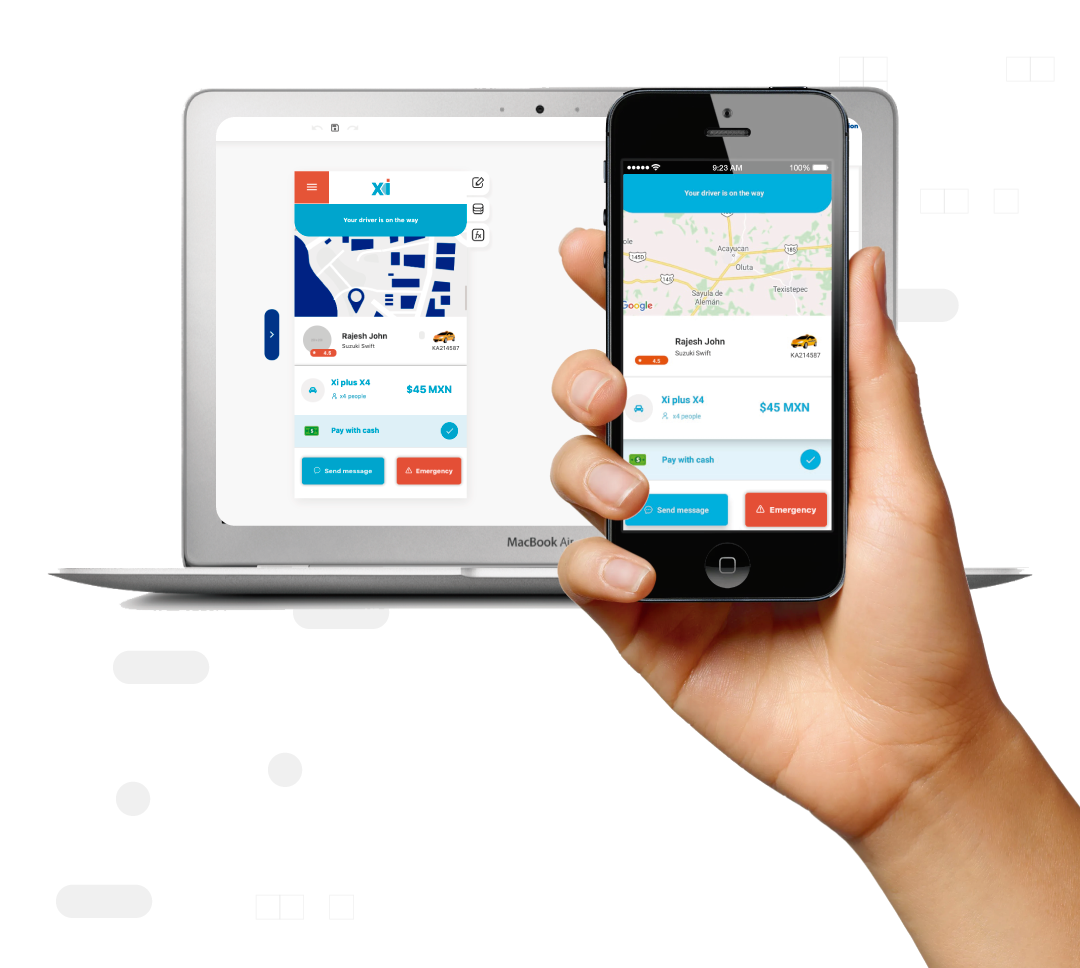
Publishing to the stores turns your project into a real native app for iOS and Android, with your brand, your icon and your name. It's the final step: you go from the builder to having your app live on the App Store and Google Play.

01 — How it works
Add publish to the stores in minutes
- 01
Set up your brand
Define your app's name, icon, colors and splash screen so the build reflects your identity.
- 02
Generate the native build
Apphive compiles your project into a native iOS and Android build ready to send to the stores.
- 03
Upload to App Store and Google Play
Send the build to your App Store Connect and Google Play account, fill in the listing and submit it for review.
02 — Use cases
Where it shines
03 — FAQ
Frequently asked questions
Is the app truly native?+
Yes. Apphive generates native builds for iOS and Android, not a wrapped website, so your app works and feels like a store app.
Do I need developer accounts?+
Yes. To publish you need an Apple Developer account and a Google Play account, which have their own registration fee. Apphive prepares the build you upload to them.
Does the app ship with my brand?+
Yes. The app is published with your name, your icon and your colors, with no Apphive branding visible to your users in the stores.
04 — Related
Explore related features


Build it with publish to the stores.
Drag it into your app and publish — free, no code, with AI on your side.